
FrameKeep for iPhone
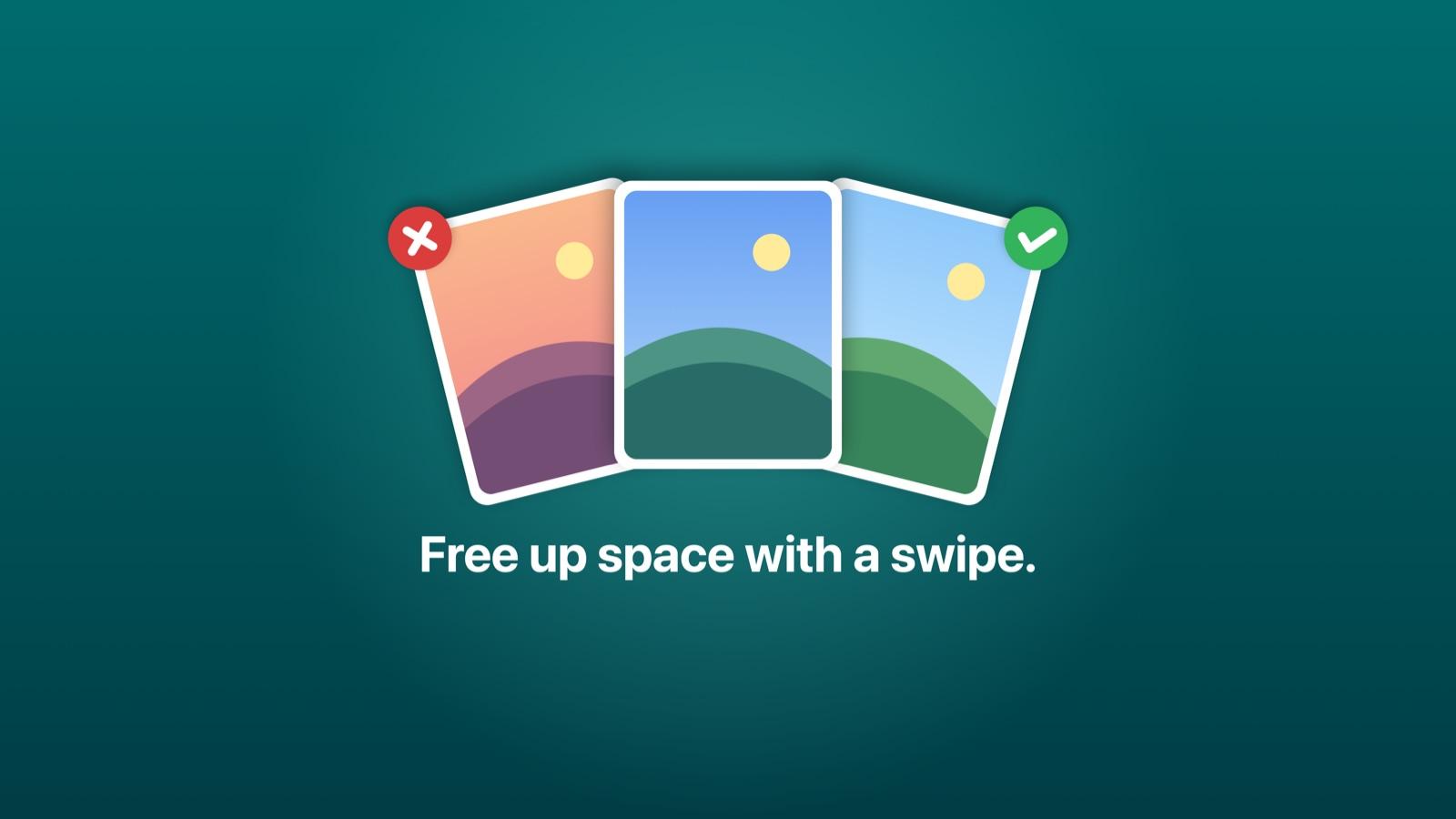
Free up space on your iPhone with a swipe.
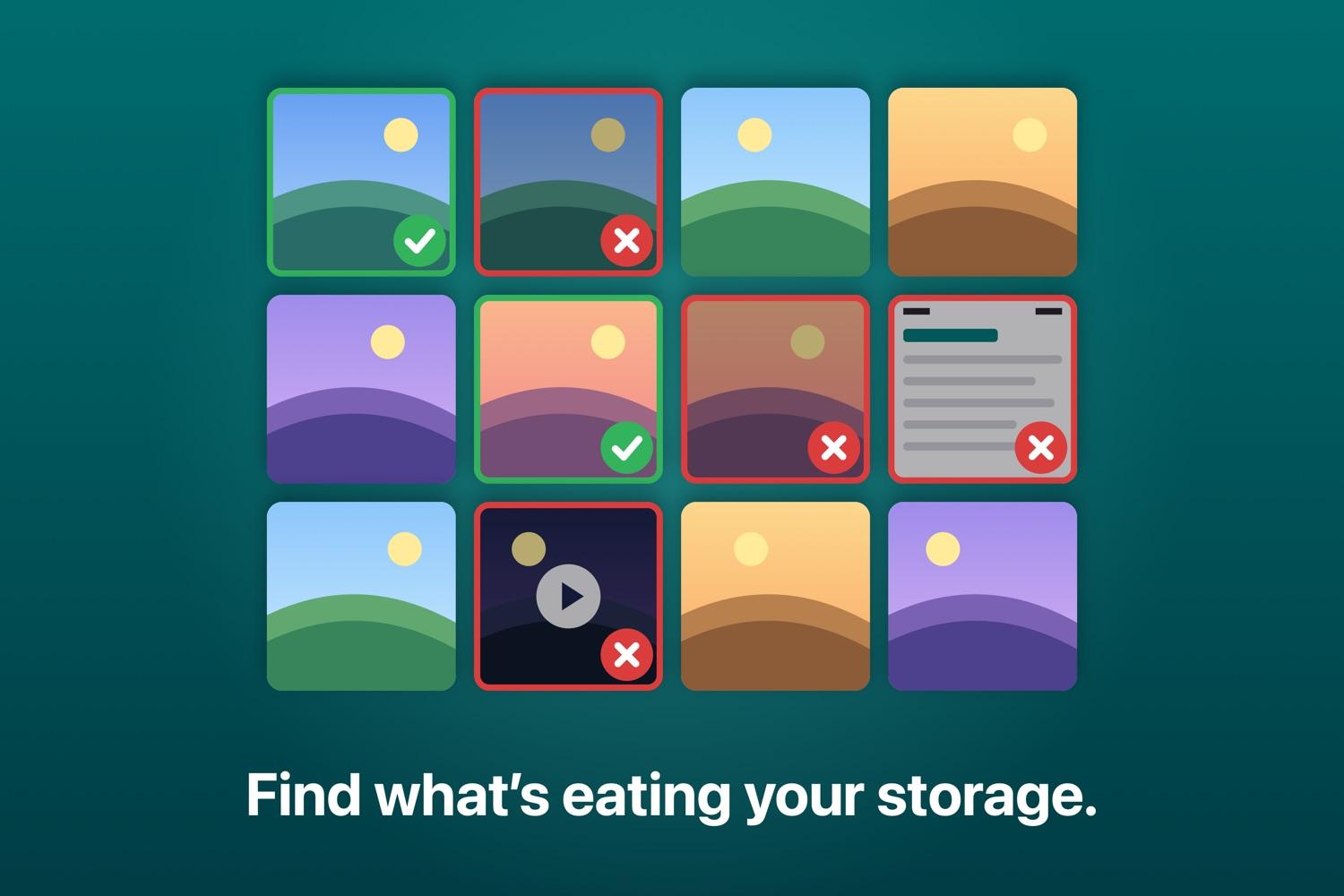
FrameKeep finds the duplicates, near-identical shots, blurry photos, old screenshots and big videos filling your library. You decide what goes, and FrameKeep never uploads your photos.
- No subscription
- No account
- No ads
- No tracking
Want it the day it launches? Email us and we will tell you
Storage full again? You already know why.
- Ten shots of the same moment, and you only wanted one.
- Screenshots of tickets, maps and receipts you no longer need.
- Videos you watched once that take more space than a thousand photos.
- Exact copies from imports, chats and old phones.
Sorting it by hand takes a weekend. Many cleaner apps put deleting behind a subscription. FrameKeep does the finding for you, and the cleaning costs nothing.
More space, less effort, no guesswork
See what you can get back
One scan shows how much space duplicates, similar shots, blurry photos, screenshots and large videos are using. Sizes come from iOS and are labelled when estimated.
Only true copies are called copies
Exact duplicates are checked byte for byte on your iPhone, so a unique photo is never flagged as a copy. For similar shots, FrameKeep suggests the best one and shows why.
Start with the biggest wins
Quick Cleanup and Biggest Space Savings line up the easy decisions first, so a few minutes of effort goes where it matters most.
Clean with a swipe
Right to keep, left to remove, one item at a time, with undo. Or compare similar photos side by side and keep the best in one tap.
Everything is included
- Exact duplicate finder, verified byte for byte
- Similar shots with a suggested best shot
- Possibly blurry photo review
- Old screenshots, grouped by month, day or size
- Large videos, sorted by size, with playback
- Cleanup plans: Quick Cleanup and Biggest Space Savings
- Swipe review with undo
- Works with full or selected photo access
No trial, no paywall after the scan, no daily limits and nothing to upgrade to.
Zero risk to your photos
- FrameKeep never deletes anything on its own. You choose every item.
- iOS asks you to confirm before anything is removed.
- Deleted items stay in Recently Deleted for about 30 days, so you can restore them.
- FrameKeep has no networking code and never uploads your photos.
Fair questions
What is the catch?
There is none to find. FrameKeep is free, with no in-app purchases, no ads and no account. It is built by CodexaAI, a software company in Dubai.
Will it delete a photo I wanted?
Only if you choose it, confirm it in iOS, and leave it in Recently Deleted for 30 days. Exact copies are verified byte for byte, and favourites are flagged before you remove them.
Why does it need access to my photos?
To compare them. The analysis runs on your iPhone and nothing is uploaded. You can also give access to selected photos only.
Does the iPhone not already do this?
The Photos app merges exact duplicates. FrameKeep also finds similar shots and suggests the best one, flags blurry photos, and clears old screenshots and big videos in one place.
More answers on the support page. How your data is handled: privacy policy.
Get your space back this week.
iPhone with iOS 18 or later. English.
Want it the day it launches? Email us and we will tell you
Last updated: October 18, 2026